Table of contents
Open Table of contents
📖 Introduction
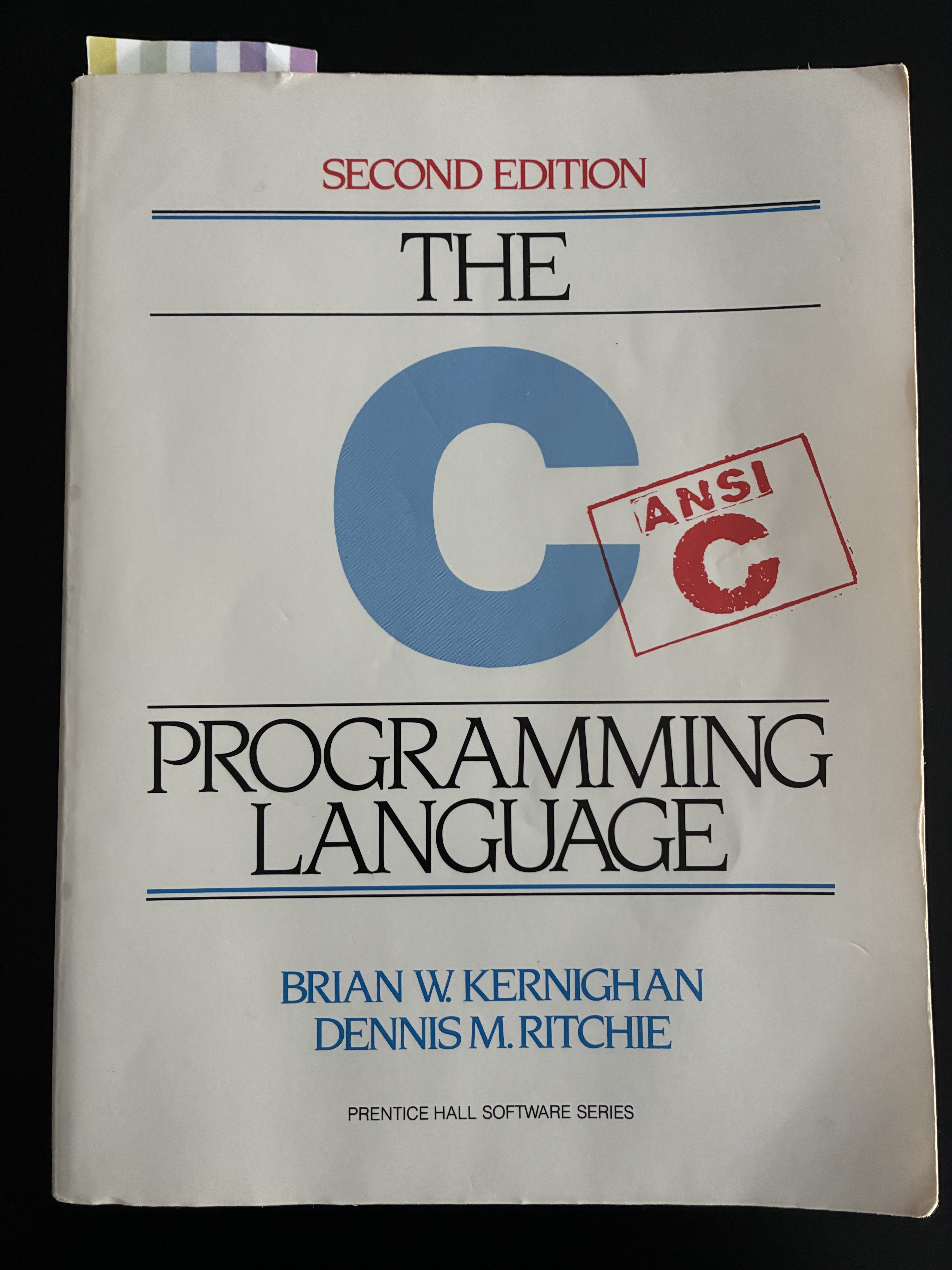
Finally finished my long-pending read of The C Programming Language by Brian Kernighan and Dennis Ritchie, along with all the exercises in it.
High-level abstractions are a great help, but they also hide the beauty of what happens under the hood. Writing my own versions of I/O routines, string functions, a memory allocator, and bit manipulation utilities showed me what is really going on. Standard library calls stop feeling like magic black boxes.
The exercises make you pause and think about what could go wrong: empty input, EOF, buffer boundaries, and memory alignment etc. That is where most of the learning happened.
The book is barely over 200 pages, yet it packs a huge amount of core fundamentals.
✍️ Exercises and solutions
you can find my solutions in the kr-c-solutions repository on GitHub.
| Chapter | Title | Folder |
|---|---|---|
| Chapter 1 | A Introduction Introduction | exercises/chapter-01/ |
| Chapter 2 | Types, Operators, and Expressions | exercises/chapter-02/ |
| Chapter 3 | Control Flow | exercises/chapter-03/ |
| Chapter 4 | Functions and Program Structure | exercises/chapter-04/ |
| Chapter 5 | Pointers and Arrays | exercises/chapter-05/ |
| Chapter 6 | Structures | exercises/chapter-06/ |
| Chapter 7 | Input and Output | exercises/chapter-07/ |
| Chapter 8 | The UNIX System Interface | exercises/chapter-08/ |
▶️ Run
Using make
| Action | Command |
|---|---|
| Build all | make |
| Build one | make ex-01-19 |
| Build & run | make run FILE=ex-01-19.c |
| Run with stdin file | make run FILE=ex-01-19.c INPUT=test/input.txt |
| List programs | make list |
| Clean build | make clean |
Using VS Code (CodeLLDB)
Requires the CodeLLDB extension. Open any .c file under exercises/ and use:
| Step | Action | Details |
|---|---|---|
| Build | Command Palette (⇧⌘P) → Tasks: Run Build Task | Runs default task Build active file (clang → build/<name>) from .vscode/tasks.json |
| Debug / Run | Command Palette (⇧⌘P) → Debug: Select and Start Debugging → select configuration | Runs preLaunchTask (Build active file) then launches via lldb (.vscode/launch.json) |
Available launch.json configurations:
| Configuration | Input / Args |
|---|---|
Launch: no args (terminal stdin) | Type stdin in integrated terminal (Ctrl+D for EOF) |
Launch: prompt for args | Prompts for space-separated progArgs |
Launch: prompt for stdin file | Prompts for full path stdinFullPath |
Launch: prompt for stdin file + args | Prompts for full path stdinFullPath and progArgs |
📝 Notes
These solutions were written and tested on macOS.
📚 References
- K&R C Programming Language, 2nd Edition by Brian W. Kernighan and Dennis M. Ritchie